
Publishing the Articles Template
Publishing is about final checks and the platform publish action. The template expects you to manage visibility and slugs from the CMS item and to use the platform’s publish button when ready.
Pre-publish checklist. For every article item, verify these items inside the CMS before publishing: Title is correct, Date is set, Featured toggle set as needed, Author assigned, Artwork files attached (1–3 as required), Download files attached if you want readers to download, Content body reviewed and final, Author’s notes filled if used. Also confirm the article’s metadata fields (SEO title, description, and slug) if present.
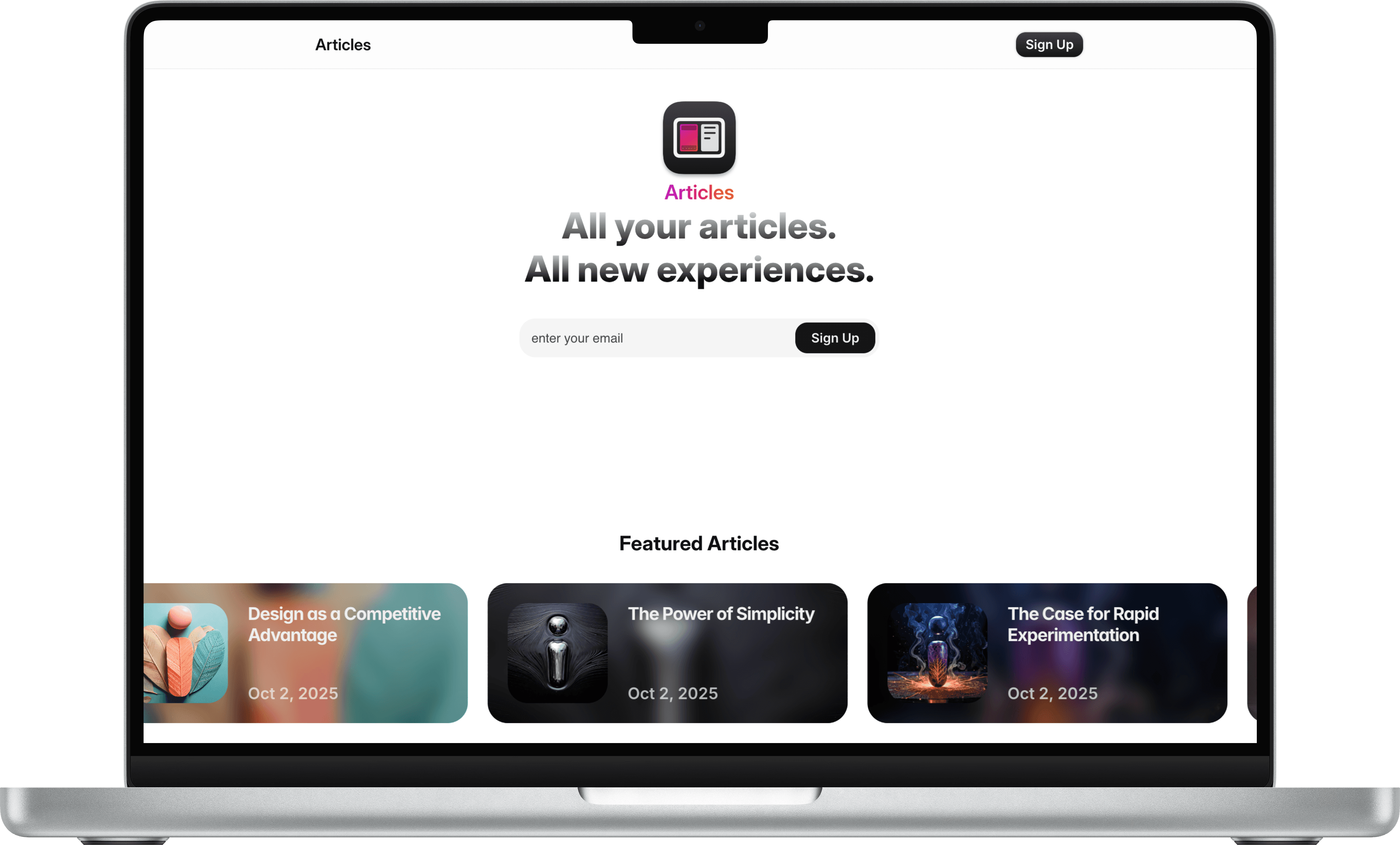
Preview and device check. Use the platform’s preview mode and open the article on desktop and mobile. Confirm image cropping and alignment, check the left-card controls, and verify the download link works. Test the sign up overlay and subscription flow with a test email to ensure the integration is correct.
Visibility and scheduling. Use the Date field for scheduling or set the CMS item to Draft if you’re not ready. For immediate publication, set the item to Published and run the Publish action for your site. If your platform uses a separate publish/push action (e.g., Publish Site), run that so the CMS changes appear on the live domain.
Domain and DNS. If you’re launching on your own domain, connect the domain through the platform settings. Follow DNS instructions from the platform (A records/CNAME). After DNS propagation, publish again and confirm the live site resolves correctly.
Post-publish checks. Open the article as a public visitor: verify typography, links, download actions, author block, and that the hero and latest-feeds reflect the new state. If the featured toggle should move the hero, confirm it appears there.
Search and newsletter. If you use newsletter integration, confirm the sign-up overlay is capturing emails and that the collected addresses appear in your provider’s list. Update the privacy/terms links in the footer so any subscribers can access data and privacy terms.
Maintenance and updates. To update an article after publishing, edit the CMS item and save/publish the site again. Small edits appear immediately after publish. For larger structural changes, keep a duplicate master and test changes there first.